|
|
OpenSource Handheld News - Gp2X, Dingoo, Wiz, Pandora, GCW Zero and Caanoo is a News and downloads site for Open Source Handhelds, We have all the latest emulators, hack, homebrew, commercial games and all the downloads on this site, the latest homebrew and releases, Part of the
DCEmu Homebrew & Gaming Network.
THE LATEST NEWS BELOW
|
December 11th, 2023, 19:01 Posted By: PSPReview
Newly released for the Pandora Console
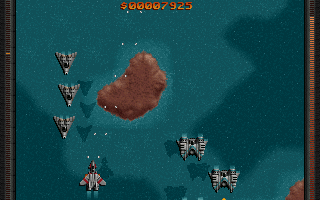
Raptor: Call of the Shadows is a vertically scrolling shooter developed by Cygnus Studios (now Mountain King Studios) and published by Apogee Software in 1994 for DOS platform. Over the years Scott Host (the programmer) have done a Windows and a Linux release of the game, and this Pandora port is using his original Linux source code (that is NOT open source but he generously gave to me for this port), and he also gave a permission to use and distribute, BUT ONLY for this port, the original full game datas. Big Thanks to him.PLEASE: DO NOT DISTRIBUTE THE ORIGINAL GAME DATAS WITHOUT PERMISSION.He is also working on a modernized version of the game called Raptor Remixed.Check at https://www.mking.com/RaptorRemixed.html -------------------------------Pandora port is running fullscreen with the help of SDL1.2 by NotazControls PAD : movementsB : fireX : fire special weaponY : MegaA : change special weaponsp : pause on/offEsc : exitd : press in menu to show demo modeF1 : Help screen PAD : movementsB : fireX : fire special weaponY : MegaA : change special weaponsp : pause on/offEsc : exitd : press in menu to show demo modeF1 : Help screen
Download Here
To read more of the post and Download, click here!
 Join In and Discuss Here Join In and Discuss Here
Submit News and Releases Here and Contact Us for Reviews and Advertising Here |
|
 |
|
|
|
November 17th, 2023, 00:40 Posted By: PSPReview
Newly released for the Pandora Console
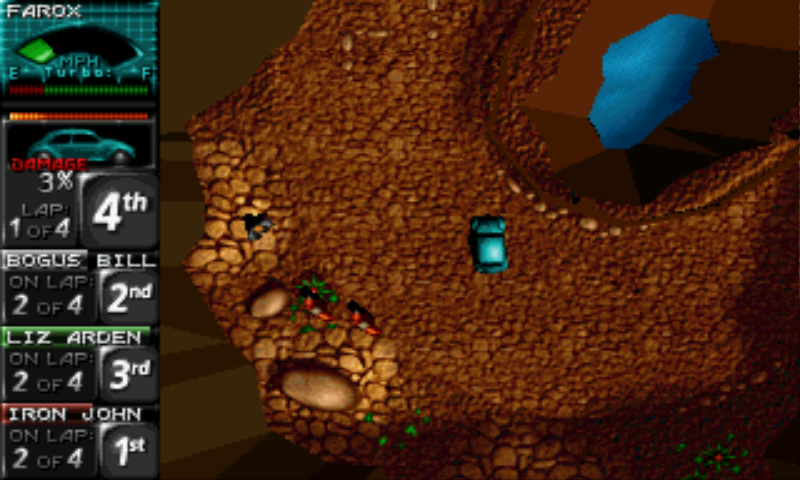
dRally is a port of PC Windows Death Rally game (1996).The main goal of this project is to create a port that running natively on Linux and BSD based operating systems. This is done using SDL2 library.You need the original game datas. You can download the registered Windows game for free atCHIP Website (https://www.chip.de/downloads/Death-...0689.html)Once you have the Windows exe file, copy it into appdata/death_rally directory, and a script will extract and install the needed datas automatically.-------------------------------Pandora port run with the help of GL4ES library of ptitSeb.
Download Here
To read more of the post and Download, click here!
Join In and Discuss Here
Submit News and Releases Here and Contact Us for Reviews and Advertising Here |
|
|
|
|
|
October 30th, 2023, 21:30 Posted By: PSPReview
Newly released for the Pandora Console
Wipeout rewrite is a re-implementation of the 1995 PSX game wipEout.This re-implementation is done using SDL2, GL and GLEW libs.More info in the author blog: https://phoboslab.org/log/2023/08/re...g-wipeoutWhere you can find also the game datas needed to run the game, as i didn't included to avoidlegal problems.Note that the author blog may or may not provide in the future a link to a ZIP containing all files needed.Once you have the game datas, uncompress it into appdata/wipeout_remaster/wipeout directory.-------------------------------Pandora port run with the help of GL4ES library of ptitSeb.Controls are adapted for my taste, but you can change it on the options menu.
Download Here
To read more of the post and Download, click here!
Join In and Discuss Here
Submit News and Releases Here and Contact Us for Reviews and Advertising Here |
|
|
|
|
|
August 27th, 2023, 22:26 Posted By: PSPReview
Newly released for the Pandora Console
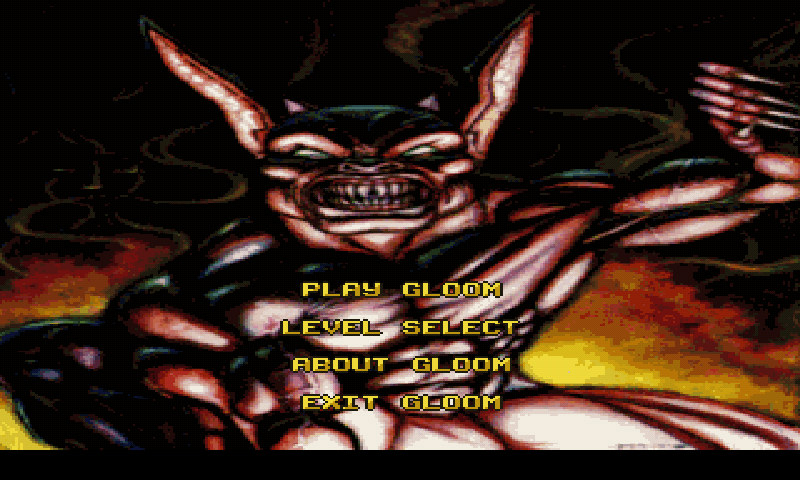
This project reimplements the engine used in the FPS game Gloom released on Amiga. It include support for Zombie Massacre mod.You need the original data files to play. Gloom was made freely available by its developers athttps://github.com/earok/GloomAmiga/archive/master.zip . Download and unzip into pandora/appdata/zgloom directory of your sdcard. Controls are adapted for Pandora but it could be changed during gamePAD move UP/DOWN/LEFT/RIGHTRearLEFT Strafe leftRearRight Strafe RightB button FIREX button Strafe ModifierESC Menu
Download Here
To read more of the post and Download, click here!
Join In and Discuss Here
Submit News and Releases Here and Contact Us for Reviews and Advertising Here |
|
|
|
|
|
May 27th, 2023, 13:20 Posted By: PSPReview
Newly released for the Pandora Console
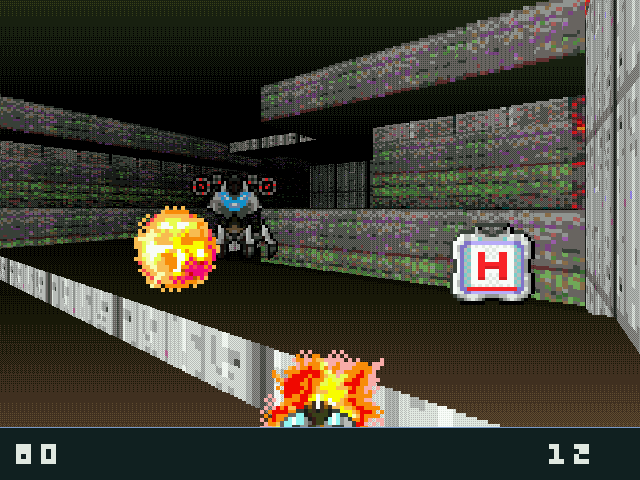
Extremely small, completely public domain, no-dependency, no-file, portable suckless anarcho-pacifist from-scratch 90s-style Doom clone that runs everywhere, made for the benefit of all living beings.
Download Here
To read more of the post and Download, click here!
Join In and Discuss Here
Submit News and Releases Here and Contact Us for Reviews and Advertising Here |
|
|
|
|
|
May 8th, 2023, 10:40 Posted By: PSPReview
Newly released for the Pandora Console
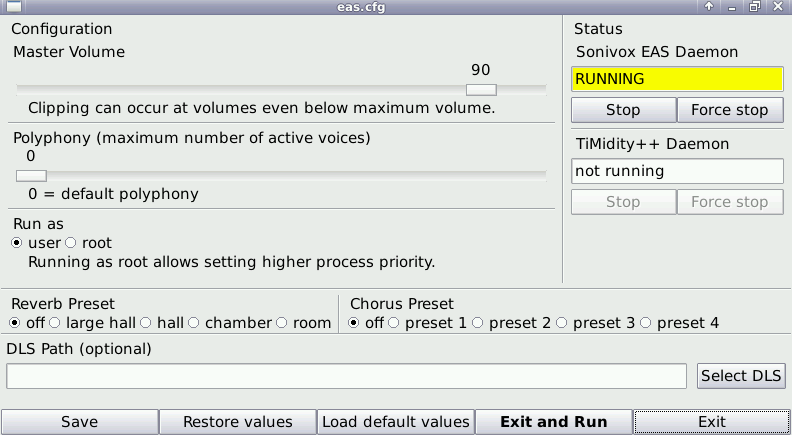
Sonivox EAS is a software synthesizer licensed by Google from the company Sonic Network Inc. under the terms of the Apache License 2.0.It's a Wave Table synthesizer using embedded samples, but it can optionally load samples from an external DLS file.
Download Here
To read more of the post and Download, click here!
Join In and Discuss Here
Submit News and Releases Here and Contact Us for Reviews and Advertising Here |
|
|
|
|
|
December 18th, 2022, 15:30 Posted By: PSPReview
Newly released for the Pandora Console
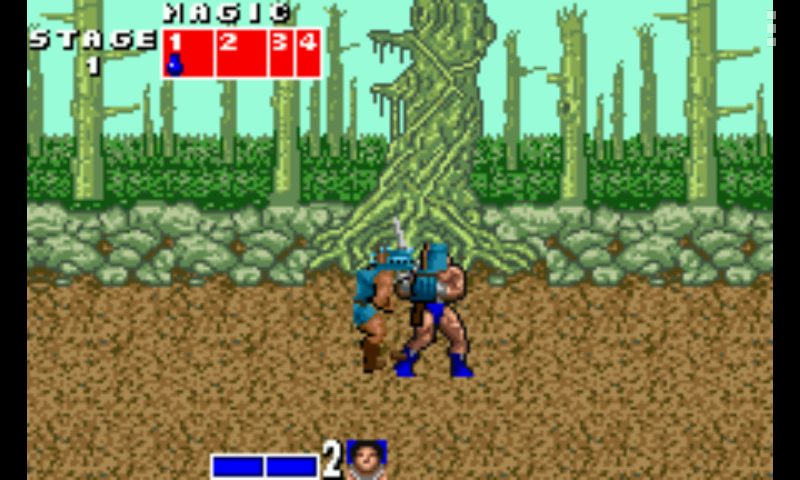
Swan.emuEmu EX Plus Alpha collectionThis project aims to provide a series of portable game console/computer emulators for a variety of systems. It consists of 3 components: imagine (a multi-purpose multimedia engine), EmuFramework (shared routines and application structure), and the emulation back-ends themselves. The current target platforms are Android, iOS, WebOS, and Playstation 3.This is the WonderSwan backend based on Mednafen.
Download Here
To read more of the post and Download, click here!
Join In and Discuss Here
Submit News and Releases Here and Contact Us for Reviews and Advertising Here |
|
|
|
|
|
December 7th, 2022, 11:51 Posted By: PSPReview
Newly released for the Pandora Console
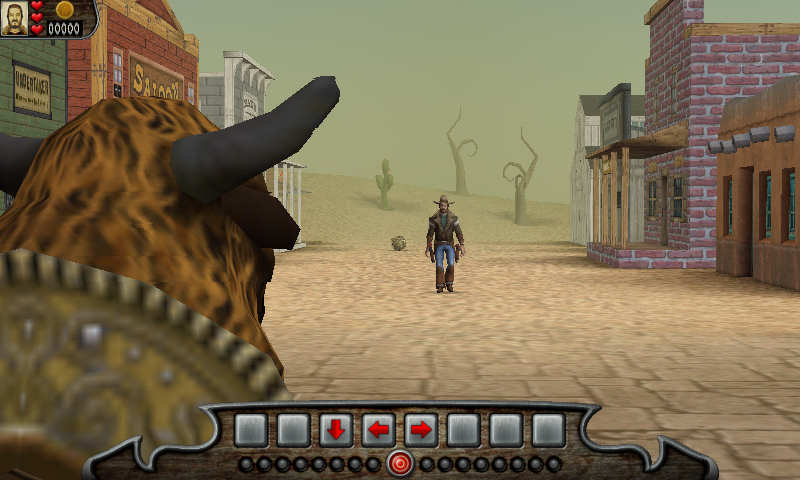
This is a port of Pangea Software’s “cowboys in space” game Billy Frontier to modern operating systems.Billy Frontier is an arcade style action game with a “cowboys in space” theme. You get to fight in duels, shootouts and stampedes. It’s the kind of game you’ll want to pick up and play whenever you get that twitch to just shoot something and blow stuff up!
Download Here
To read more of the post and Download, click here!
Join In and Discuss Here
Submit News and Releases Here and Contact Us for Reviews and Advertising Here |
|
|
|
|
|
October 7th, 2022, 14:57 Posted By: PSPReview
Newly released for the Pandora Console
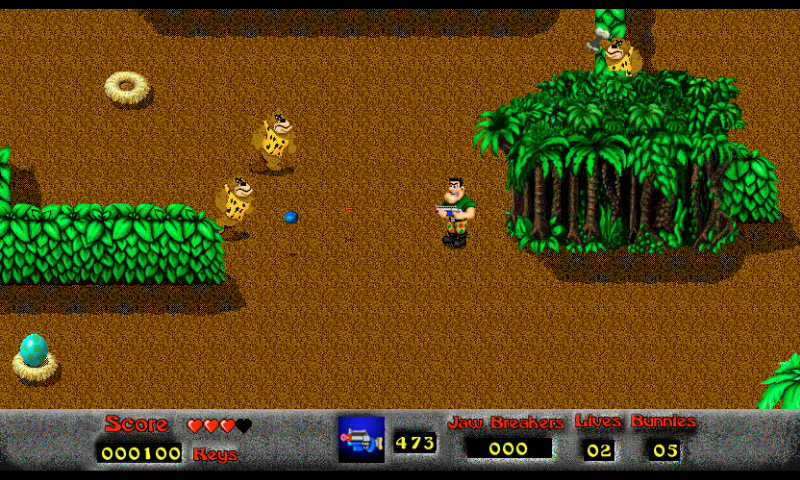
This is Pangea Software's Mighty Mike updated to run on modern systems. Set in a toy store, this top-down action game is a staple of 90's Macintosh games. It was initially published in 1995 under the name Power Pete.
Download Here
To read more of the post and Download, click here!
Join In and Discuss Here
Submit News and Releases Here and Contact Us for Reviews and Advertising Here |
|
|
|
|
|
October 3rd, 2022, 10:34 Posted By: PSPReview
Newly released for the Pandora Console
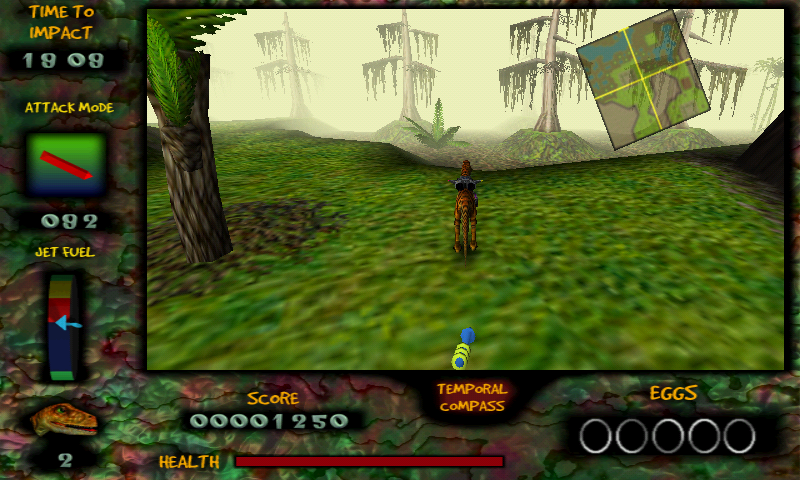
This is Pangea Software’s Nanosaur updated to run on modern systems. Originally released in 1998 as a Mac-only game, Nanosaur casts a cybernetic dinosaur from the future who’s sent back in time 20 minutes before a giant asteroid hits the Earth.
Download Here
To read more of the post and Download, click here!
Join In and Discuss Here
Submit News and Releases Here and Contact Us for Reviews and Advertising Here |
|
|
|
|
|
October 1st, 2022, 10:34 Posted By: PSPReview
Newly released for the Pandora Console
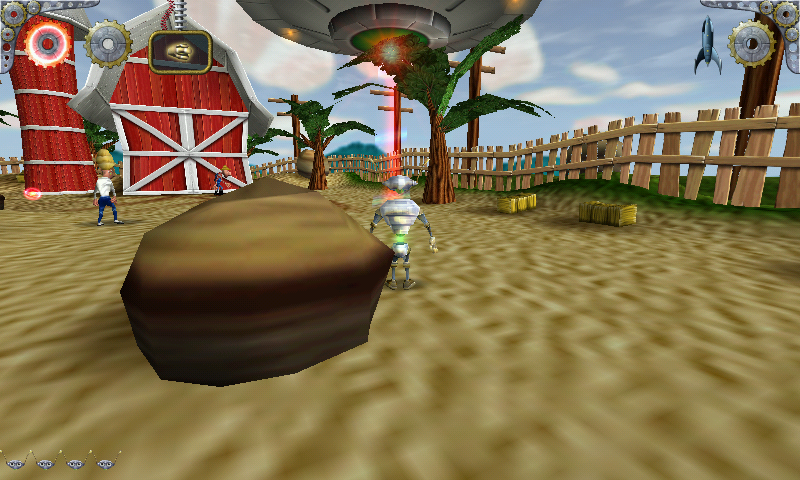
The year is 1957 and a fleet of flying saucers from Planet X have come to Earth. These saucers are under the control of the evil Brain Aliens who are abducting helpless human beings to become slaves of The Giant Brain.You are Otto Matic, the robot who is given the job of saving Earth from the clutches of The Giant Brain from Planet X. You must rescue as many humans as you can while defeating the Brain Aliens and all of their evil followers. Your mission will take you to strange and fantastic alien worlds which are often treacherous and will require Otto to perform amazing feats.
Download Here
To read more of the post and Download, click here!
Join In and Discuss Here
Submit News and Releases Here and Contact Us for Reviews and Advertising Here |
|
|
|
|
|
September 29th, 2022, 19:35 Posted By: PSPReview
Newly released for the Pandora Console
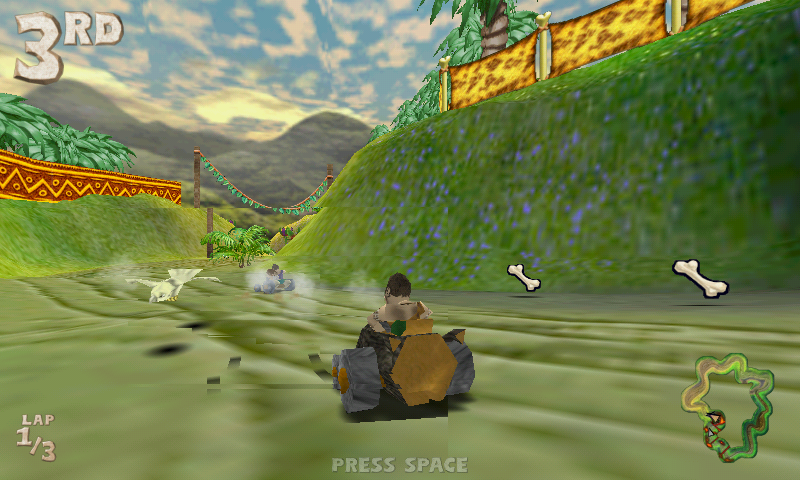
In Cro-Mag Rally you are a speed-hungry caveman named Brog who races through the Stone, Bronze, and Iron Ages in primitive vehicles such as the Geode Cruiser, Bone Buggy, Logmobile, Trojan Horse, and many others. Brog has at his disposal an arsenal of primitive weaponry ranging from Bone Bombs to Chinese Bottle Rockets and Heat Seeking Homing Pigeons. In addition to single-player racing where one player races against the computer, there are also several different multi-player modes including Tag, Capture the Flag, and Survival. Up to four players can play on a single computer in split-screen mode.
Download Here
To read more of the post and Download, click here!
Join In and Discuss Here
Submit News and Releases Here and Contact Us for Reviews and Advertising Here |
|
|
|
|
|
March 30th, 2022, 14:58 Posted By: PSPReview
Newly released for the Pandora Console

CASIO SW-10 is a software synthesizer that was included in Casio LANA Lite MIDI program.This is a Linux version based on decompiled Windows driver.The original ROM file is required, which the application can download.
Download Here
To read more of the post and Download, click here!
Join In and Discuss Here
Submit News and Releases Here and Contact Us for Reviews and Advertising Here |
|
|
|
|
|
January 5th, 2022, 23:51 Posted By: PSPReview
Newly released for the Pandora Console
EDuke32 is an awesome, free homebrew game engine and source port of the classic PC first person shooter Duke Nukem 3D— Duke3D for short—to Windows, Linux, Mac OSX, FreeBSD, several handhelds, your family toaster, and to your girlfriend's vibrator. This version is build vith revision 9607 of the source, and use ptitSeb's GL4ES lib to provide GL support.
Download Here
To read more of the post and Download, click here!
Join In and Discuss Here
Submit News and Releases Here and Contact Us for Reviews and Advertising Here |
|
|
|
|
|
August 19th, 2021, 13:10 Posted By: PSPReview
Newly released for the Pandora Console
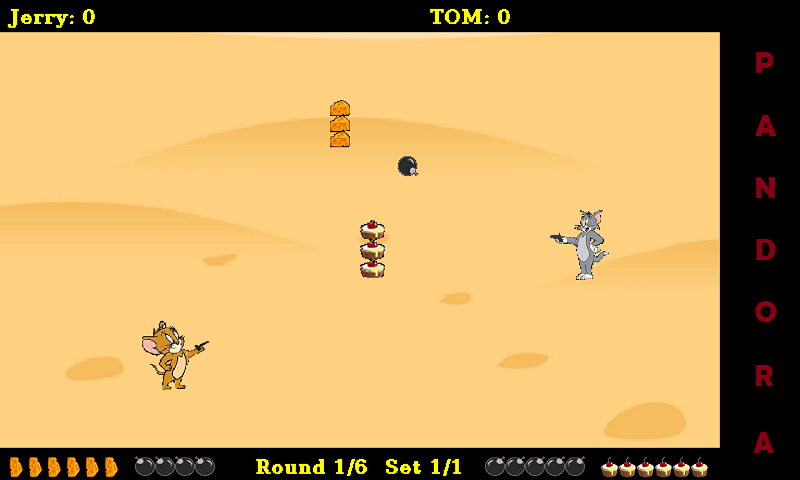
Gunfight is inspired by on old TV-console game, a western shooter game for one or two players. This is an enhanced version with themes and user configurable settings. For two player mode I would recommend connecting a bluetooth joystick or keyboard for player 2. The game is packed toghether with and use Box86 by ptitSeb.
Download Here
To read more of the post and Download, click here!
Join In and Discuss Here
Submit News and Releases Here and Contact Us for Reviews and Advertising Here |
|
|
|
|
1
2
3
4
5
6
7
8
9
10
11
12
13
14
15
16
17
18
19
20
21
next » |
|
|